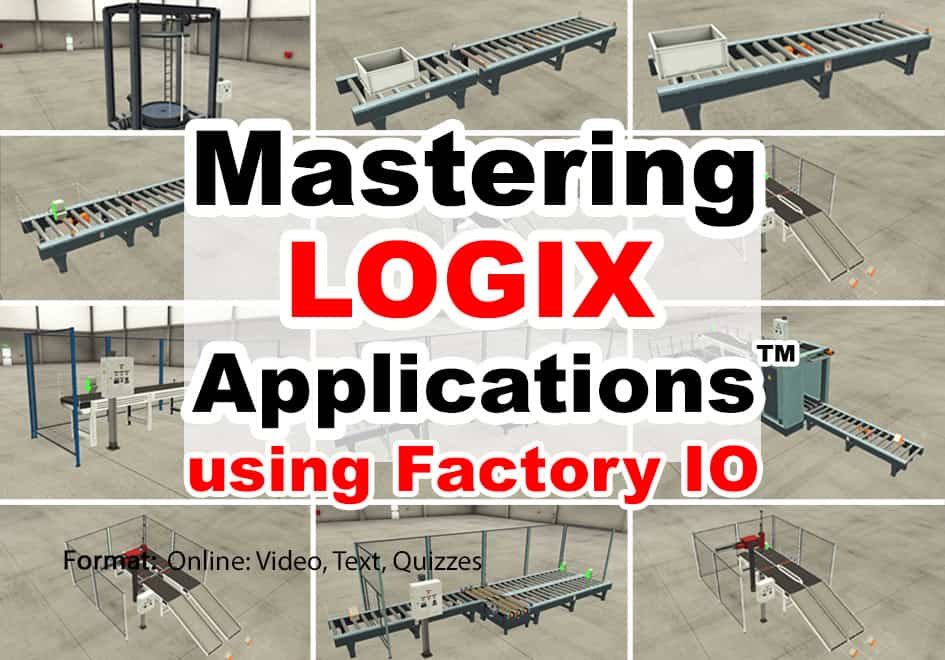
Mastering Logix Applications using Factory I/O
Learn to create ControlLogix and CompactLogix programs for several of the built-in Factory IO "Scenes" based on real world applications using your existing Logix PAC and programming software along with Factory IO. In this course you will learn:
| ✓ How to Setup & Use Factory I/O (FIO) | ✓ How to connect Factory I/O to your PAC |
| ✓ How to solve several Factory I/O Scenes | x PLC, PLC Software & Factory I/O not Included |
What You’ll Learn
By the End of This Course, You’ll Be Able To:
- ✓ Getting Started: Set up, configure, and use Factory I/O
- ✓ PLC Connectivity: Connect Factory I/O to your ControlLogix or CompactLogix PAC
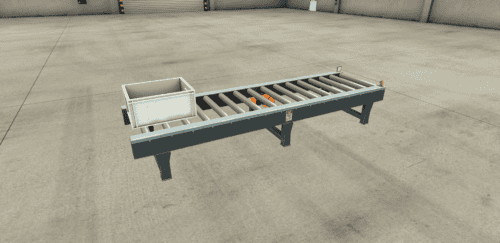
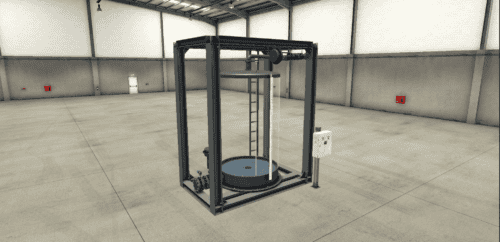
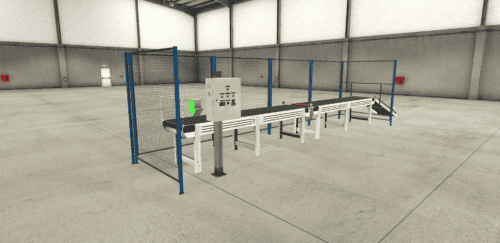
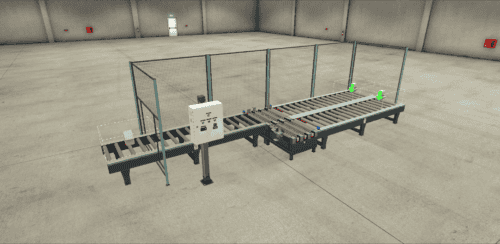
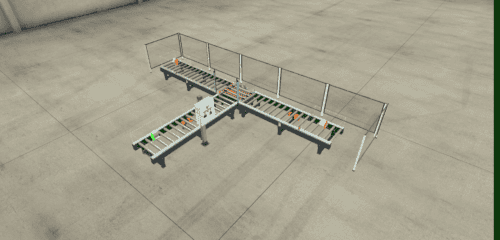
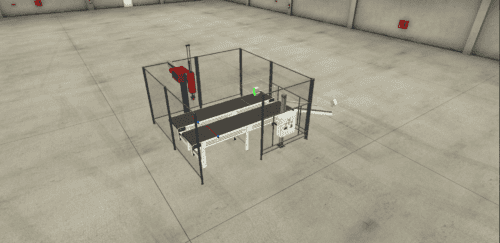
- ✓ Application Programming: Develop PLC control programs to operate Factory I/O’s simulated industrial scenes
- ✓ Practical Projects: Work through several Factory I/O scenes to apply your PLC programming knowledge to realistic automation challenges
What You Receive With Your Purchase
- ✓ Immediate online course access
- ✓ Online instructor support
- ✓ PAC start files for all lessons
- ✓ Detailed step-by-step lessons
- ✓ Works with the Factory I/O trial
- ! Factory I/O software sold separately
- ✓ No course expiration date
- ✓ Retake lessons as needed
- ✓ CompactLogix & ControlLogix start files
- ✓ Practical programming solutions
- ✓ Completion certificate with PDHs
- ! Logix hardware & software is NOT included



























Meet Your Instructor
Course Requirements
Requirements to follow along and/or complete any optional exercises
Students who wish to complete any optional exercises, or just follow along with the instructor as he teaches, will need the following (none of which are included with this course):
- An internet connection to take this online course
- A Windows 10 or 11 PC to run either the 30-day trial or a paid license of Factory I/O
- Factory I/O software: either the free 30-day trial from FactoryIO.com or a licensed copy
- A ControlLogix or CompactLogix PAC, or a simulator
- Compatible Logix programming software (RSLogix 5000 / Studio 5000 Logix Designer)
- Note: the Factory I/O 30-day trial period starts when you install the trial software and cannot be reset
- Note: this online course does not include a PLC or PAC, nor does it come with PLC or PAC programming software
You’ll use your own hardware and software to complete the exercises and bring the simulated Factory I/O applications to life. Before purchasing, please review Factory I/O’s system requirements.
License Agreement and Permitted Use of Our Online Courses
This section covers the license agreement and permitted use of our online courses and course bundles, which also includes any course materials, code snippets, downloads, and provided software — taken together, referred to collectively as a “course.”
The purchase of a single copy of a course grants a single individual the right to use the course for personal instruction and reference only. Purchasing a course for yourself (or for another) does not grant anyone the right to distribute or share that work beyond the single individual who registers to take the course.
Show more
This means the course and course materials may not be shared with friends, relatives, co-workers, students, or anyone else, as each sale is for an individual license to access, view, and take the lessons, quizzes, and exercises, and to download any course materials, documents, code, files, and software included with the course.
This per-person licensing helps ensure that the instructor — who created the course and exclusively holds its copyright — can cover the cost of creating it, keeping it available to new and existing customers, and answering ongoing student questions, while receiving fair compensation for a course licensed on a per-person basis.
It is unlawful to share this copyrighted course and course material even if you do not charge or profit from doing so — including for non-profit and governmental organizations — since this proprietary educational work is designed as a chargeable training resource, not one made freely available to the public.
Any unauthorized sharing of the course or course materials would reduce the potential for additional sales and licensing, directly impacting the instructor’s ability to cover costs, keep the course available, and support customers who purchased it lawfully.
If you have questions about the above, please contact us using the “Contact” link in the site menu.
Course Content
Reviews
About the Instructors